
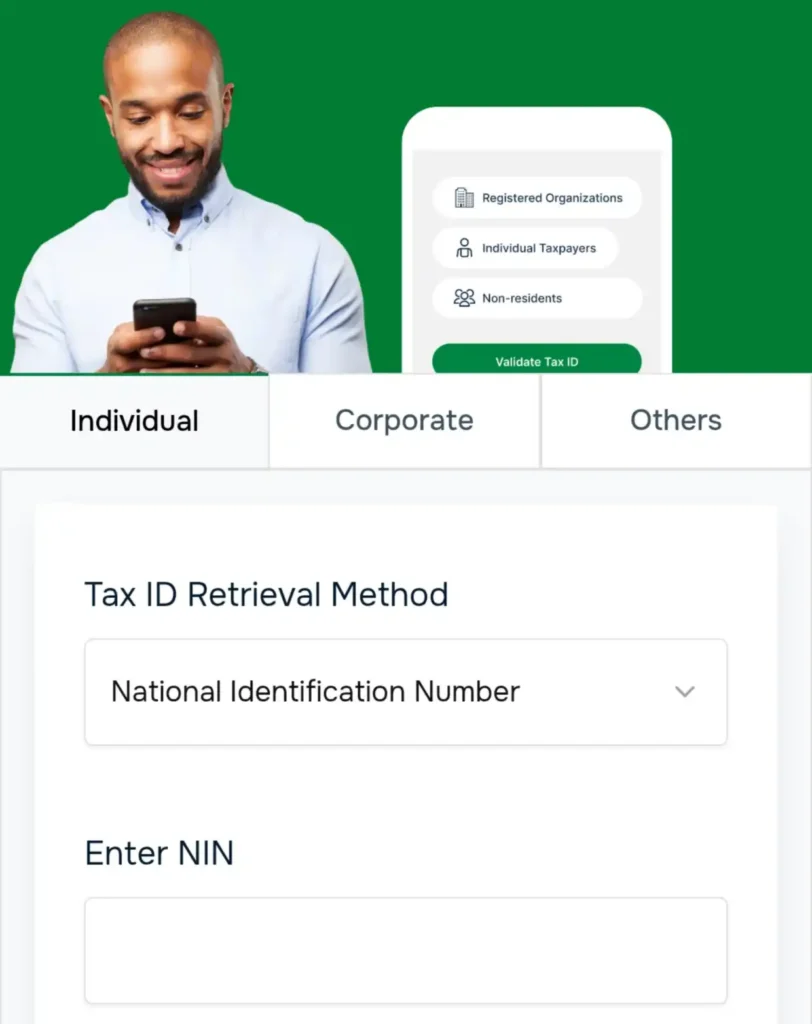
Taiwo Oyedele, Chairman of the Presidential Committee on Fiscal Policy and Tax Reforms, has shared a simple guide on how individuals can retrieve their Tax Identification Number (Tax ID) using their National Identification Number (NIN).
 Follow us on Google News
To begin, ensure your NIN is available before starting the process.
1. Open your web browser and visit taxid.jrb.gov.ng or taxid.nrs.gov.ng to access the Tax ID portal.
2. Once the page loads, select Individual to proceed.
3. Under the Tax ID Retrieval Method section, choose National Identification Number as your preferred option.
4. Enter your NIN in the field provided, then scroll down and click Retrieve Tax ID.
5. You will be required to verify your identity by entering your first name, last name, and date of birth. These details must match exactly with the information linked to your NIN.
6. After entering the required information, confirm the declaration allowing the submitted data to be used for identity verification purposes, then click Submit.
7. Once verification is successful, your NIN will be validated and your Tax ID will be displayed on the screen.
Every income earner or taxable person is required to retrieve and retain a Tax ID in order to remain compliant with Nigeria’s tax administration requirements.