

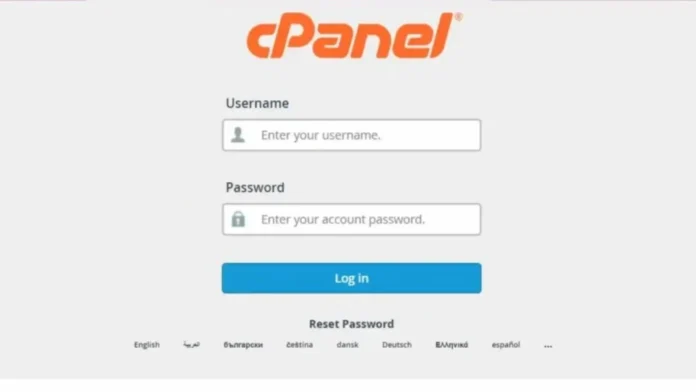
Logging in to your HOSTAFRICA cPanel dashboard is a simple process. cPanel is the control centre of your hosting account, where you manage your website files, emails, domains, databases, and software installations. Once your hosting account is active, you can access cPanel using two easy methods.
What You Need Before You Start
Before logging in, ensure you have your cPanel username and password. These details are sent to your registered email in the welcome message titled “New Hosting Account Information”. This email contains all essential access details, including cPanel and FTP information.
Method 1: Login via Direct cPanel URL
This is the quickest way to access your dashboard.
Open your web browser and enter any of the following URLs:
- yourdomain.com:2083
- yourdomain.com/cpanel
- cpanel.yourdomain.com
Once the login page loads, enter your username and password, then click “Login”. If your details are correct, you will be taken directly to your cPanel dashboard.
If your domain is not yet active, you can use your server IP address followed by :2083 to log in.
Method 2: Login via HOSTAFRICA Client Area
You can also access cPanel through your HOSTAFRICA account dashboard.
First, log in to your client area using your registered email and password. After logging in, locate your active hosting services. Select the specific hosting account you want to manage and click on the cPanel login option.
The system will automatically redirect you to your cPanel dashboard without requiring you to enter your login details again. However, if prompted, enter your username and password as provided in your welcome email.
Final Note
Both login methods are fast and reliable. Choose the one that works best for you. Always keep your login details secure and accessible for easy account management.

