
Nigeria Jubilee Fellows Programme (NJFP) 2.0 candidates can now use their mobile phone to write the CBT assessment. This has been confirmed by multiple participants in the exam who successfully wrote and submitted their assessment on the CBT portal.
 Follow us on Google News
However, information available to Nigeria Startup News shows that candidates can only write the exam using an iPhone. This is because the Safe Exam Browser (SEB) app is not available on Android devices. The examination experience is the same as for candidates using a laptop computer, except that it is adapted for mobile use. This is a useful development for candidates who have difficulty writing the CBT with a computer.
How to write NJFP 2.0 CBT with your phone
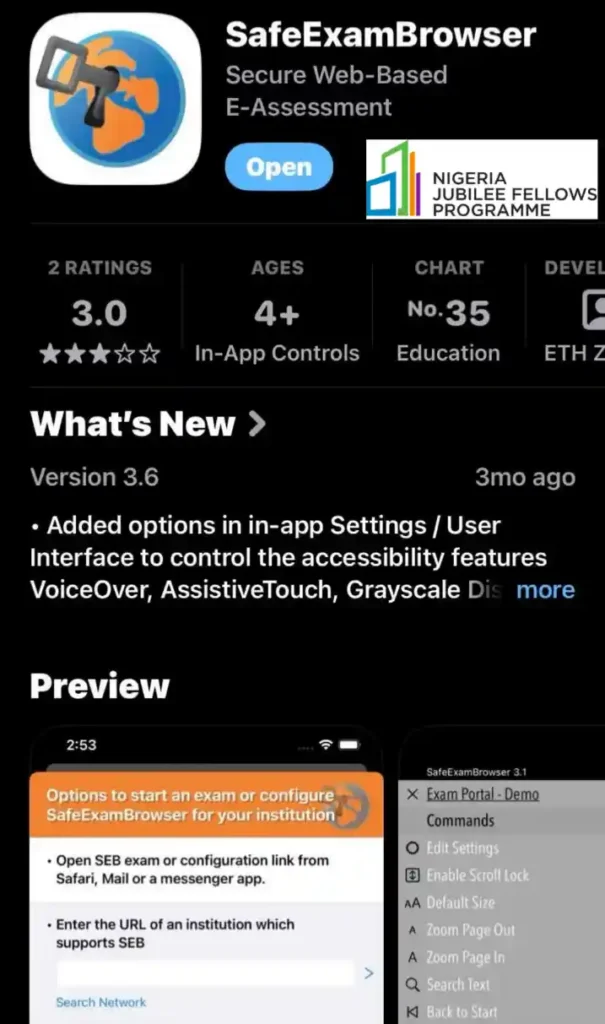
Step 1: To proceed, candidates must download the SEB app from the Apple Store.
Step 2: Go to the NJFP exam website and click on “Take Mock Exam”.
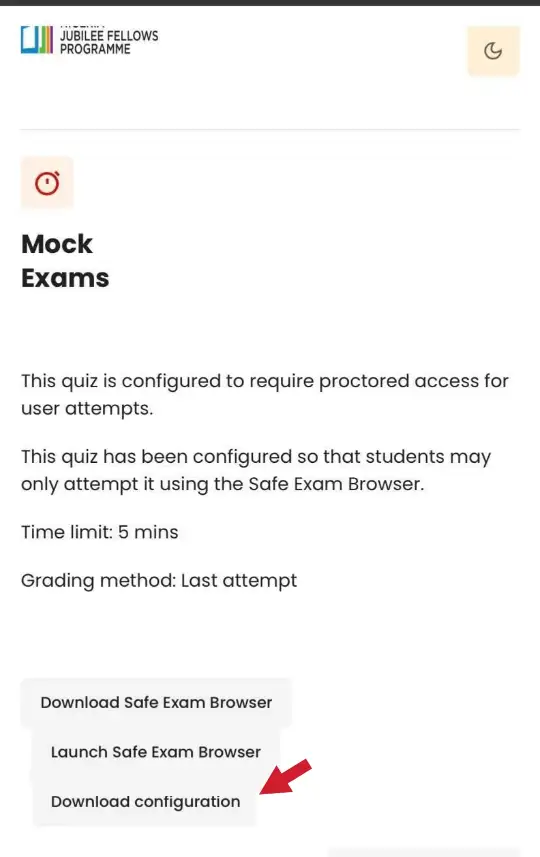
Step 3: Download the configuration file, save it to your files, and click on the saved file. It will prompt you to allow access to the SEB app on your iPhone.
Step 4: Click on “Login with njfp.ng”. This will take you to either the quiz or the exam you want to write.
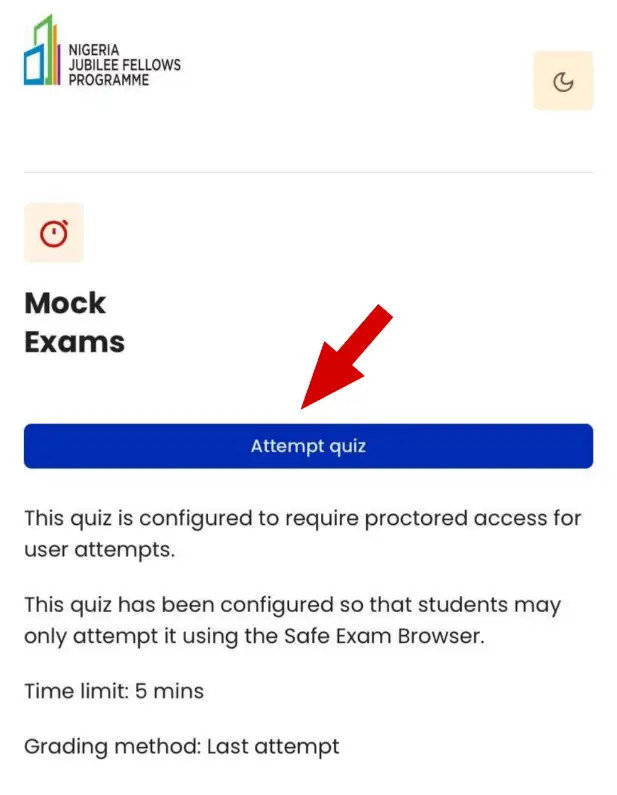
Candidates are advised to ensure they are in a good network environment. This option has been tested and is working successfully.