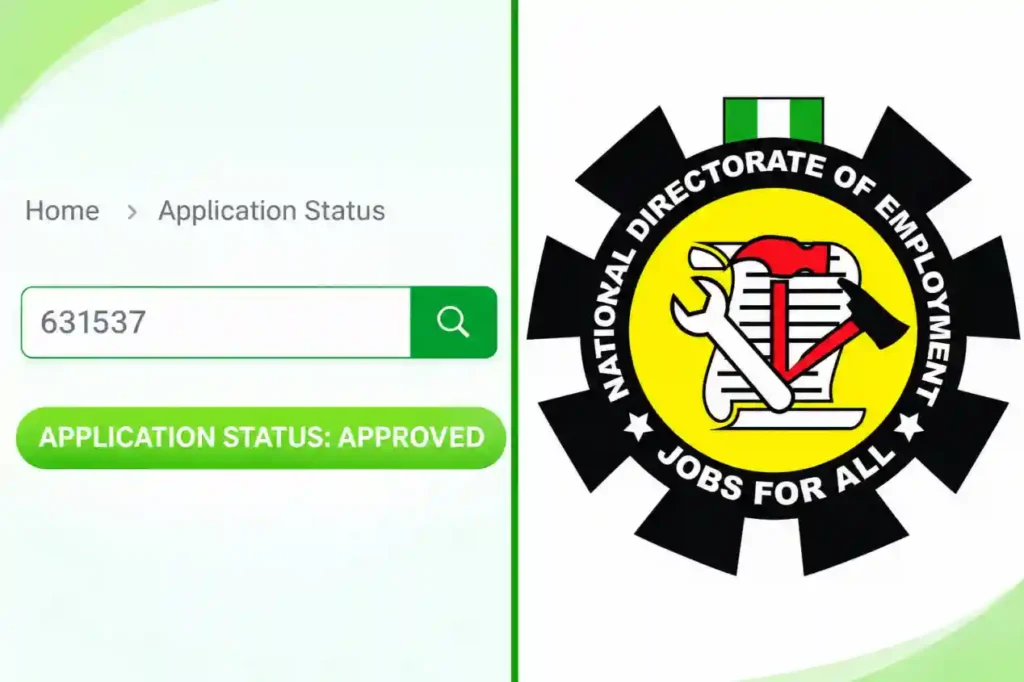
The National Directorate of Employment (NDE) has begun approving some applicants for the Renewed Hope Employment Initiative (RHEI) Phase III, with candidates advised to monitor their online dashboards.
 Follow us on Google News
Applicants have reported that approvals are processed from Abuja, while state NDE offices handle verification and document submission after approval. Those whose dashboards still show “PENDING” should wait until the status changes to “APPROVED” before visiting their state office.
Approved applicants should monitor their registered email addresses and phone numbers. NDE may send further instructions by email or add successful candidates to an official WhatsApp group.
Applicants should not enter bank account details before receiving an instruction to do so. The account details section may not be open at this stage, and submitting information before it is requested may not work.
The reported stipend depends on training duration. Participants in one-month programmes are expected to receive ₦10,000 in total. Those in three-month programmes, including Special Public Works (SPW) and VSP, are expected to receive ₦10,000 monthly, amounting to ₦30,000 after training. These payment details should be confirmed through NDE instructions. Applicants should also note that no starter pack is provided under the arrangement described at all.
How to check NDE application status
- Visit the NDE registration portal: https://nderegistrationportal.ng/.
- Log in using the email address and password used during registration.
- Open your dashboard and select “Application Status”.
- Enter your application code or reference number if requested.
- Submit the details and check whether your status shows “PENDING” or “APPROVED”.
- If it remains pending, keep monitoring your dashboard and wait for official instructions before visiting your state NDE office.