


September 17, 2025 – The National Examinations Council (NECO) has released the 2025 Senior School Certificate Examination (SSCE Internal) results online.
As such, candidates can now check their performance online. According to the council, “candidates are advised to follow the instructions carefully on the NECO result portal to avoid errors.”
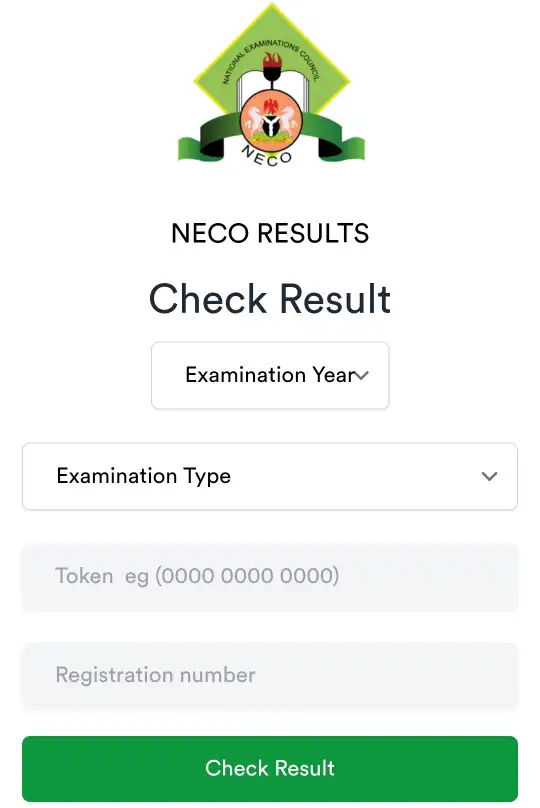
The official portal for checking results is results.neco.gov.ng where candidates must use their examination details.
The step-by-step guide for checking 2025 NECO SSCE results:
1. Visit the official NECO result checking portal at results.neco.gov.ng
2. Select the examination year (e.g., 2025) and the exam type (SSCE Internal or External).
3. Enter your NECO Examination Number.
4. Enter your NECO Result Checking Token number, which must be purchased beforehand on the portal.
5. Click the “Check Result” button to view your results.
6. Download and print your result for safekeeping.
Make sure to purchase tokens only through NECO’s official portal or authorised vendors.